무료 AI 배경 제거기
이미지, 인물 사진 및 제품 사진에서 배경을 즉시 제거하세요. 배경을 단색, 그라데이션 또는 사용자 지정 이미지로 교체하세요. 완전 무료이며 안전합니다. 사진이 기기에서 나가지 않습니다.
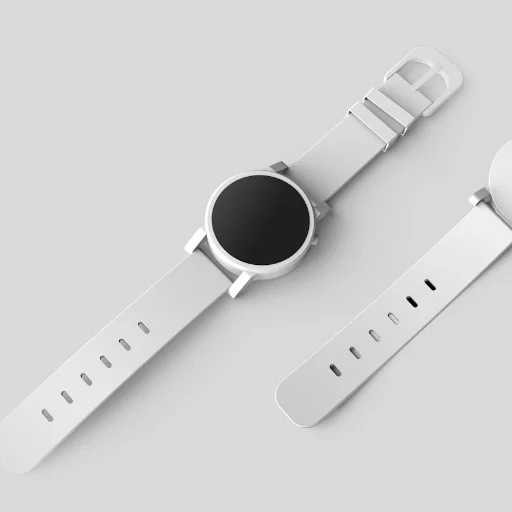
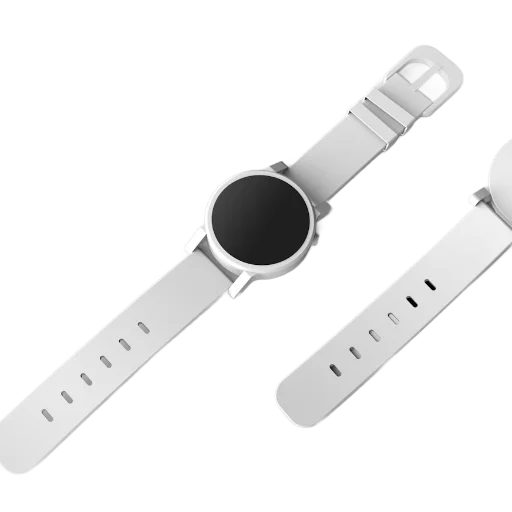
처음 사용할 때 브라우저가 AI 모델(약 100MB, 이후 캐시됨)을 내려받습니다. 모바일 데이터라면 Wi-Fi 사용을 권장합니다.
무료로 이미지에서 배경을 제거하는 방법
이미지에서 배경을 제거하려면 예전에는 비싼 소프트웨어가 필요했습니다. ImageFixr의 AI 배경 제거기를 사용하면 완전 무료로 몇 초 만에 완벽한 투명 PNG를 만들 수 있습니다.
- 이미지 업로드: 명확한 피사체(사람, 반려동물, 자동차, 제품)가 포함된 모든 사진을 선택하세요.
- AI 마법: 로컬에 호스팅된 신경 엔진이 클라우드 서버에 업로드하지 않고 자동으로 피사체를 분리합니다.
- 사용자 지정: 투명하게 유지하거나 전자상거래를 위해 흰색 같은 단색을 추가하거나 화사한 그라데이션을 적용하거나 완전히 새로운 배경을 업로드하세요.
- 다운로드: 새로운 고해상도 합성을 즉시 내보내세요.
무료 배경 지우개를 써야 하는 이유
Amazon, Shopify 같은 마켓플레이스는 흰색 단색 배경의 상품 사진을 요구하는데, 촬영 박스 없이도 그렇게 만들 수 있습니다
피사체를 다른 배경에 올려야 하는 YouTube 썸네일, Instagram 게시물, 프로필 사진에 유용합니다
사진은 절대 업로드되지 않습니다. 모델이 WebAssembly로 브라우저 안에서 실행되므로 파일을 받을 일 자체가 없습니다
계정, 크레딧, 워터마크 없이 HD 다운로드 무제한
날리는 머리카락 같은 미세한 부분은 이 도구를 포함한 모든 자동 누끼에서 어렵습니다. 단순하고 조명이 좋은 피사체일수록 테두리가 깔끔합니다
What Can You Do With a Transparent Background?
Nobody removes a background just to stare at a transparent checkerboard. It's what you do next that matters. Here are some of the most common things people use background-free PNGs for, and a few you might not have thought of.
Selling Stuff Online
Most marketplaces want product photos on a clean white background. Remove the background, drop in white, and you've got listing-ready images without renting a photo studio. This is probably the single most common reason people use this tool.
YouTube Thumbnails That Actually Get Clicks
There's a reason every big creator uses cutout photos on colorful backgrounds. They pop. Cut yourself out of a photo, slap a gradient behind you, add some text. It's the YouTube thumbnail formula, and it works.
Logos Without the White Box
We've all seen it: someone drops their logo on a website and there's a white rectangle around it. Transparent PNGs fix that. If you have a logo scan or screenshot, run it through here and you'll never have the white box problem again.
Photo Compositing
Want to put your family on a beach they've never visited? Combine product shots into a collage for a campaign? Background removal is step one for basically all composite work, whether you're in Photoshop, Canva, or anything else.
Profile Pictures
A clean headshot without a messy background looks better everywhere, LinkedIn, Slack, Zoom, you name it. Works on light themes, dark themes, whatever. Just remove the background and you're good.
Print-on-Demand Designs
If you're designing merch (t-shirts, mugs, phone cases), you need transparent PNGs. That's just how print-on-demand works. The design sits on the product, not a white square on the product.
Why We Don't Upload Your Photos
We got tired of uploading personal photos to random servers. Every other background remover out there sends your images to their cloud, processes them on hardware you can't see, and pinky-promises to delete them afterward. Maybe they do. Maybe they don't. We didn't love that tradeoff.
So we built something different. The AI model gets compiled to WebAssembly and runs right in your browser. It downloads once, caches locally, and after that everything happens on your machine. Your photos never leave your browser. Period. We literally couldn't see them even if we wanted to.
What's Actually Happening Under the Hood
The neural network looks at every pixel in your image and decides: is this the subject, or is this background? That decision creates a mask. Background pixels get their transparency cranked to zero, and you're left with a full-resolution PNG of just the subject. It's the same approach the big commercial tools use. We just do it locally.
What Works (and What Doesn't)
- Clear contrast between subject and background? You'll get a great result. A person in front of a wall, a product on a table, those are easy wins.
- Wispy hair, fur, or really fine edges are the hardest. The AI does its best, but don't expect pixel-perfect cuts around flyaway strands.
- Bigger photos give sharper edges. If you're starting from a tiny thumbnail, the result won't be as clean.
- Good lighting matters more than you'd think. Even, diffused light beats harsh shadows every time.
Frequently Asked Questions
How does this actually work?
Short version: a neural network runs in your browser (not on our servers), looks at every pixel, and decides what's "subject" and what's "background." Background gets made transparent, you get a clean PNG. Your photos never leave your device.
Why PNG? Can I get a JPG instead?
JPEG doesn't support transparency. There's no way around that. So the output is always PNG. If you need a JPEG for some reason, just open the PNG in any editor and export it with a white background. But for most uses (design tools, product listings, overlays), transparent PNG is what you want.
It's taking forever on my first image, is it broken?
That's completely normal. The first time, your browser downloads the AI model (usually 10-20 seconds, depending on your connection). After that it's cached, so every image after the first processes much faster.
I need to remove the background from a product photo, not a person. Does that work?
It works well for most products, animals, and cars, anything with a clear outline against a reasonably distinct background. It's a common question, and product photos are probably the single most popular use for this tool.
Can I swap in a different background color?
Yes. Once the background is gone, you can keep the transparency, fill it with a solid color (white is popular for product listings), or add a gradient. Those options appear right after processing finishes.